
Neruna Cloud Features
Maintained once in the portal. Available on every workstation.
Neruna Cloud handles the management around Neruna Desktop. How each feature looks in the program itself, we link on neruna.org.
People, groups and devices
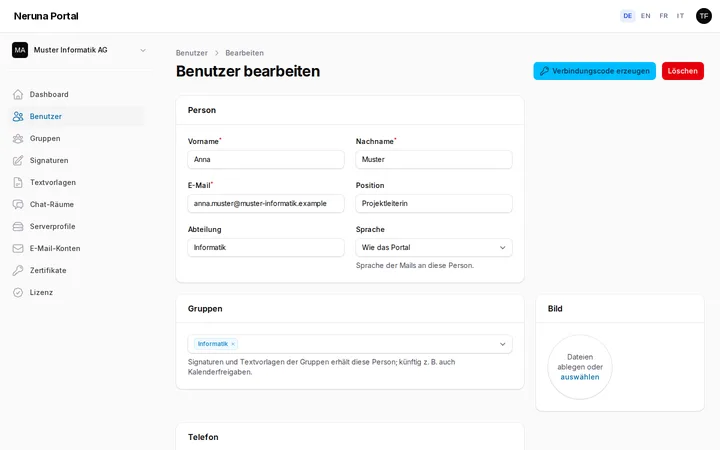
Add staff with a profile – name, position, department, phone, photo. Signatures and the company directory are built from it. Groups map departments and teams.
- A connection code per person, the PIN comes separately
- Device overview with operating system, user and version
- Block lost devices in the portal at once
- Company data and logo centrally for signatures
Groups
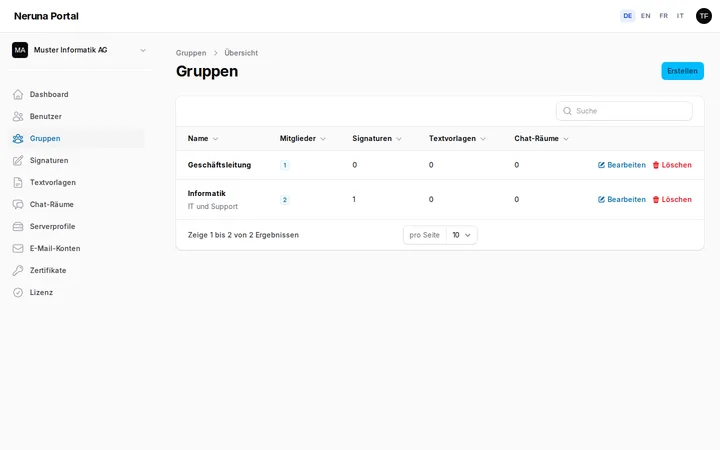
Assign signatures, text templates and chat rooms to specific groups – management gets different templates than support.
Central signatures
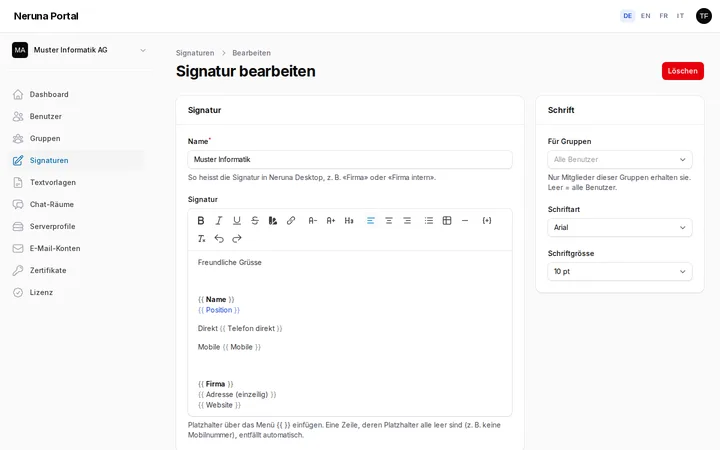
Consistent signatures for everyone, with placeholders for name, position, phone and company data. When a profile changes, the signature is up to date on every device at once – without anyone setting anything up.
- Formatting, logo and tables
- Empty lines drop out automatically
- Assignable per group
Text templates
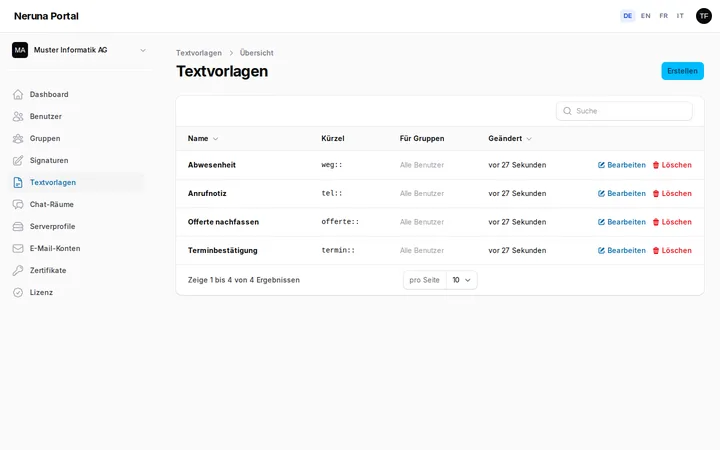
Call notes, standard replies, confirmations – maintained centrally, inserted at the cursor on every workstation with a click or a shortcut like “tel::”.
- Also as fill-in tables
- Assignable per group
Mail accounts and server profiles
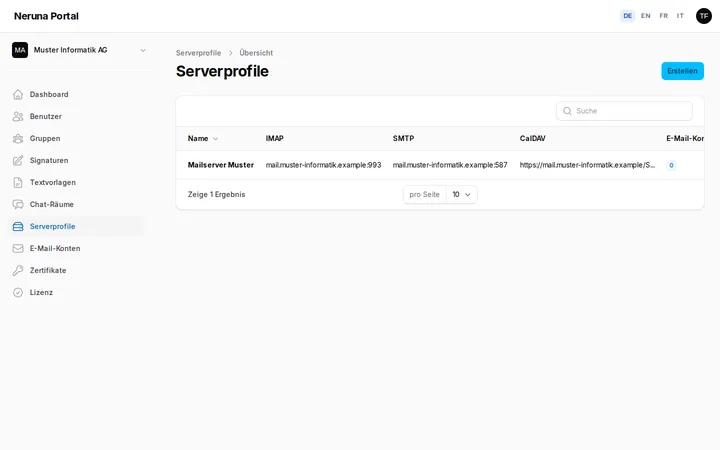
Set up mailboxes once in the portal and assign people – Neruna Desktop sets them up automatically on approved devices, aliases included. Server profiles keep your mail server's IMAP, SMTP, CalDAV and CardDAV in one place.
- Password optional – without one, the app asks the person once
- Passwords encrypted in the browser, server settings signed
- Change a profile for all accounts with one click
S/MIME certificates
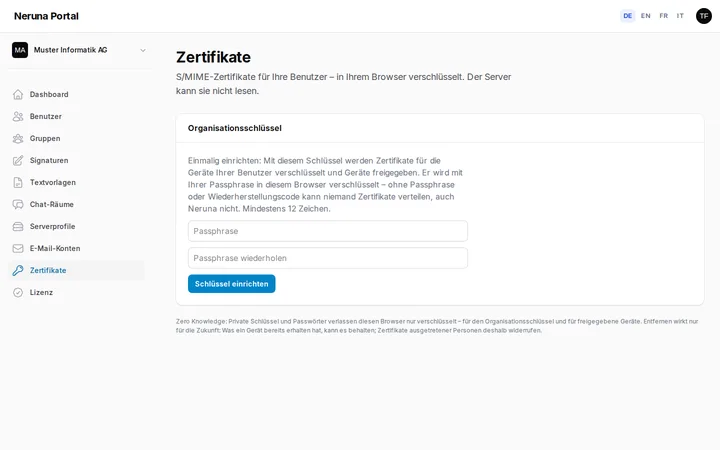
Upload certificates once and assign people – one for info@ to several, too. Private keys are encrypted in the browser and only decrypted on approved devices.
- Approve all waiting devices with one click
- Without the passphrase or recovery code nobody can hand out certificates – not even Neruna
Team chat
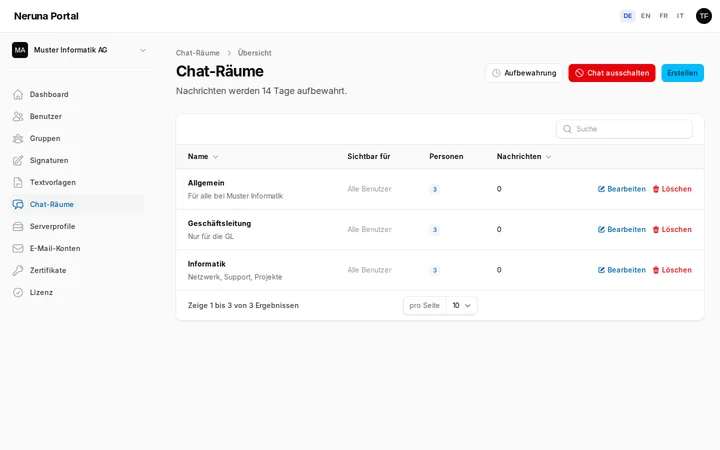
Rooms per group, private messages and online status right in Neruna Desktop. You decide the retention – or switch the chat off entirely.
- Retention from 1 day to 3 months
- Switched off: nothing stored, existing messages deleted
Personal backup
Everyone backs up their own settings encrypted in the vault – new computer, connect, restore. With a note and a preview, up to 20 versions. The server can read none of it.
Backup and restore in Neruna Desktop: neruna.orgReady for your first workstation?
30 days free, up to 5 people – no credit card.