Manage your team in one place. Your data stays with you.
Neruna Cloud is the portal for Neruna Desktop: maintain people and profiles, connect workstations securely and soon provide signatures and templates for everyone. Email, calendars and contacts stay on your own mail server.
Everything IT needs for Neruna Desktop
Maintained once in the portal, available on every connected workstation.
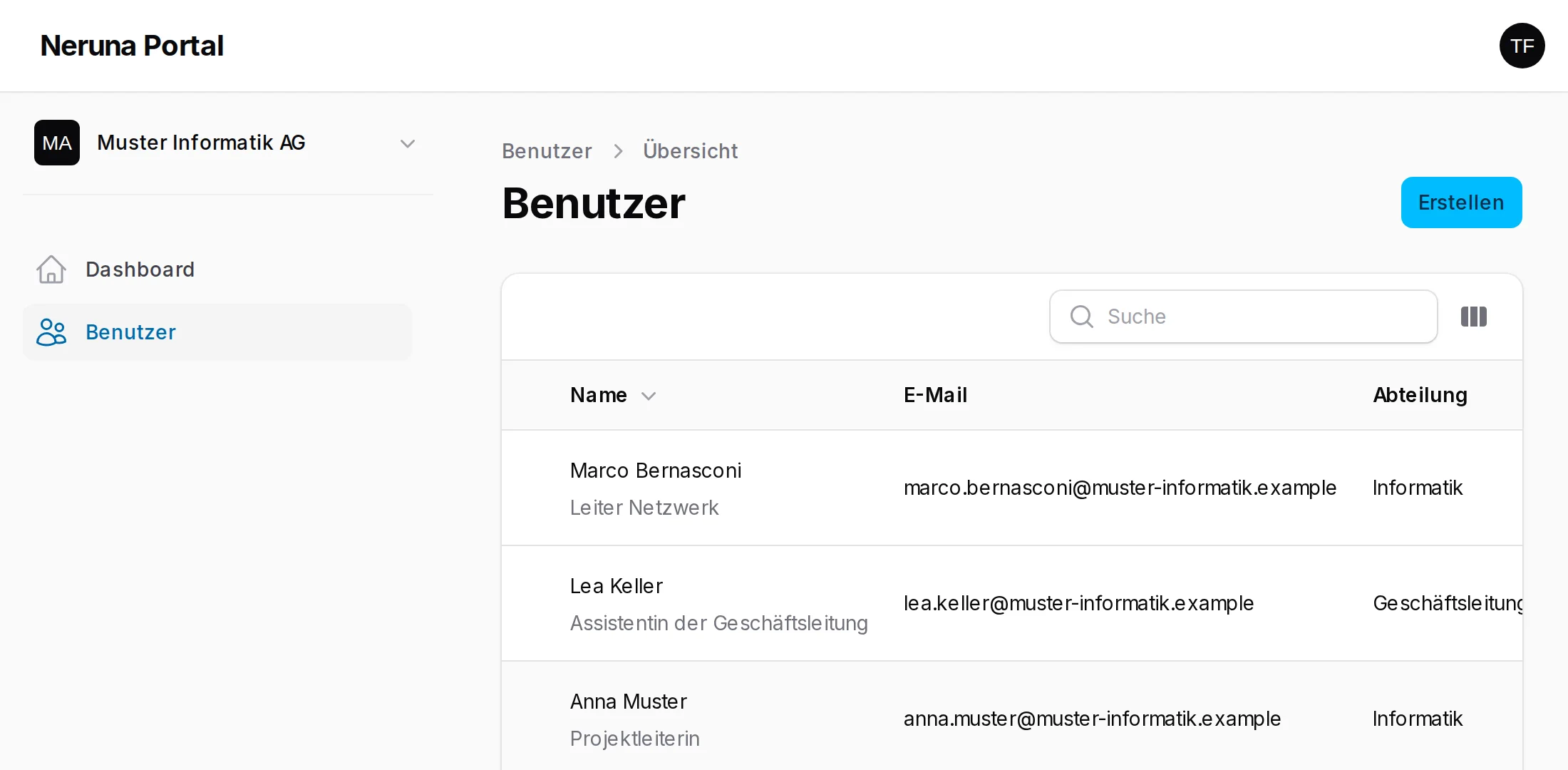
People and profiles
Name, position, department, direct and mobile phone, photo – the basis for signatures and the company directory.
Connect securely
A one-time code with a separate PIN. Every workstation gets its own key – passwords are never sent for this.
Devices at a glance
Which workstations are connected – with operating system, signed-in user and version. Block lost devices at once.
Central signatures Soon
Consistent signatures for everyone, filled automatically with current profile data – nobody has to set anything up.
Templates Soon
Replies and email templates for the whole team, maintained centrally and instantly on every workstation.
Company details in one place
Address, phone, website and logo of the organisation – maintained in the portal, used in signatures and profiles.
Ready in three steps
No server, no installation on site – just the portal and Neruna Desktop.
Create your organisation
Sign up, confirm your email, enter your company name. The trial starts right away.
Add your people
Create staff with their profiles and generate a connection code for each person.
Connect Neruna Desktop
In Neruna, enter code and PIN under Settings → Cloud – done. The device appears in the portal.
Neruna manages settings – not your data
Your email, calendars and contacts stay on your own mail server. Neruna Cloud only knows what management requires.
-
Hosted in SwitzerlandNeruna Cloud runs in data centres in Switzerland and is subject to Swiss data protection law.
-
No email, events or contactsNeruna Cloud stores no user data – only the organisation, profiles and configuration.
-
Keys stay on the deviceEvery workstation signs in with its own key; the private part never leaves the computer.
-
One-time codes with a separate PINCodes work once and expire; an intercepted email alone is never enough to connect.
-
Open and verifiableNeruna Desktop is open source – anyone can check how the app talks to the cloud.
Ready for your first workstation?
30 days free, up to 5 people – no credit card.